
Organised
Shared team lists
Delegated
Clear ownership
Hands-free
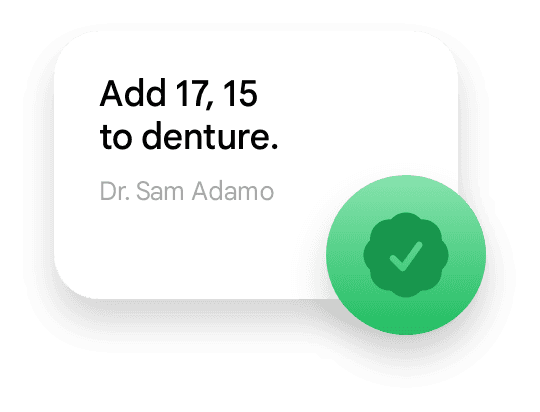
Dictate new tasks
Progress
Nothing missed
Urgent first
Smart ordering
Repeating
Set once, runs daily
On the go
Manage from anywhere
Team tasks, organised and visible.
Shared task lists that keep your whole team aligned. Assign, prioritise, and track practice tasks without the sticky notes.

Assign. Track.
Complete.
Create tasks, assign them to team members, set due dates, and track progress. Everyone sees what needs doing.
One view. Full picture.
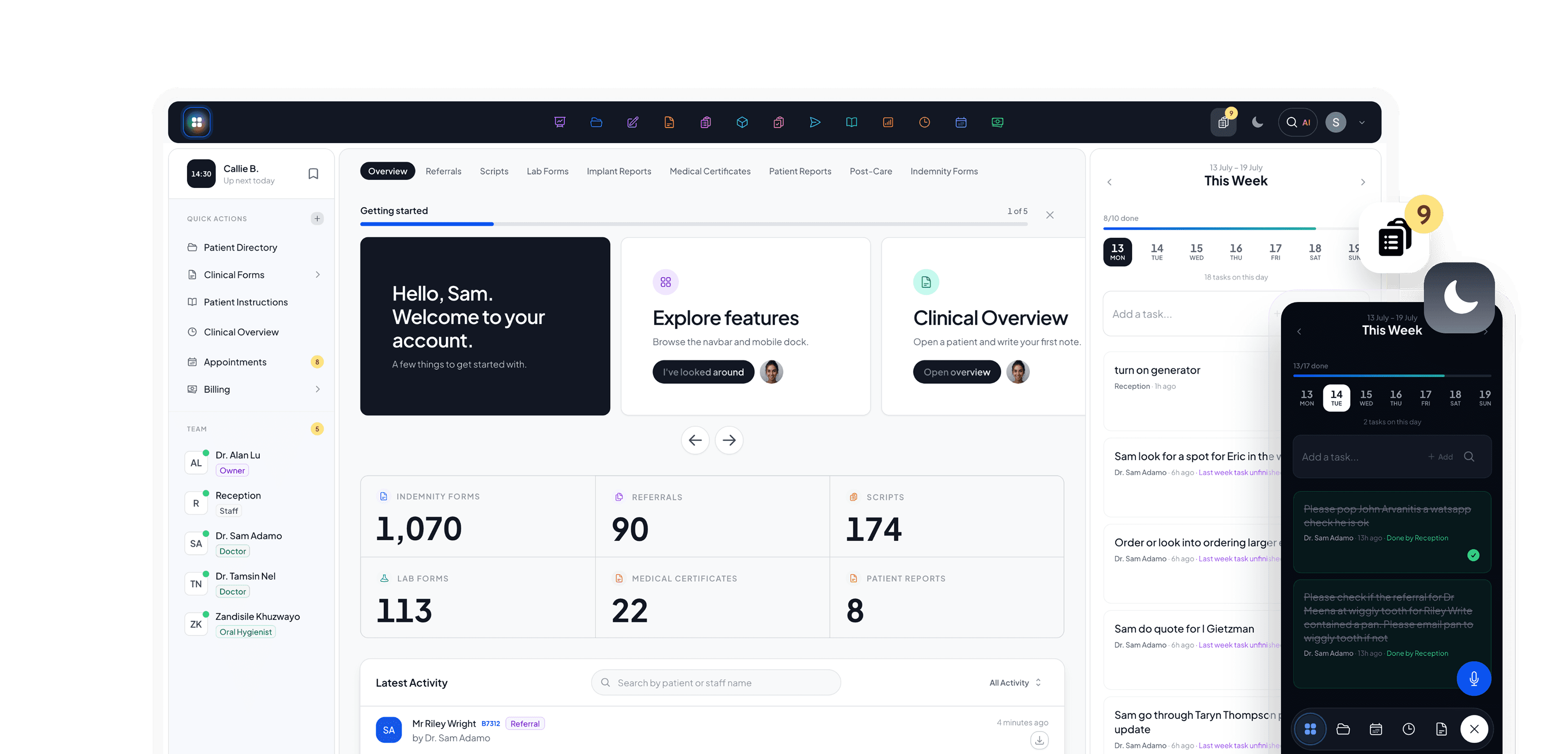
See your entire task load at a glance. Filter by person, priority, or status to stay on top of what matters.
Team view
See every practitioner's week side by side in a single view.
Status filters
Filter by status to spot what is pending, confirmed, or overdue.
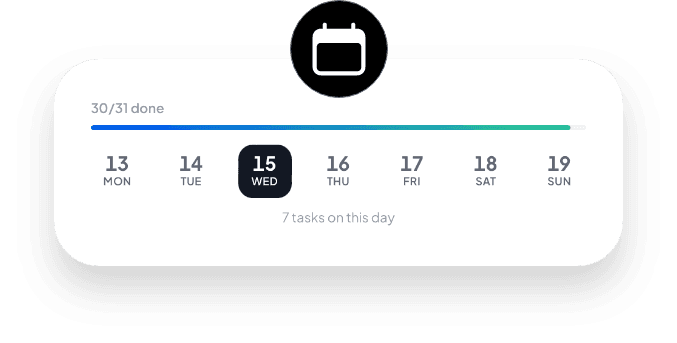
Weekly planning
Plan the week ahead with capacity visible at a glance.
Why practices need a shared task list
In most practices, admin tasks live in sticky notes, a reception notebook, someone's memory and a WhatsApp group. Tasks get done twice or not at all, and nobody can see what's overdue until a patient phones to ask. Practice Tasks gives your whole team one shared list, with an owner, a due date and a priority on every task.
What teams use it for
- Front desk: call back patients, chase outstanding forms, confirm tomorrow's bookings, follow up on unpaid accounts.
- Clinical: follow up lab results, send referral letters, check post-op patients, review notes.
- Practice management: stock checks, equipment servicing, monthly cash-up, staff onboarding.
- Repeating jobs: the weekly list can carry a task that repeats daily, so the same job does not have to be retyped each morning.
How it works
- Create a task by typing or dictating it with Dictate to Transcribe.
- Assign it to a team member, set a due date and mark the priority.
- Track it in the team view. Filter by person, priority or status to see what's pending or overdue.
- Plan the week with everyone's workload visible side by side.
- Manage it on desktop, tablet or phone.
Part of one connected platform
Practice Tasks sits alongside your appointment book, patient records, digital consent forms, communication and accounting in Baselayer.med. Read the guide to cutting admin in a South African private practice.
FAQ
Is Practice Tasks included in my plan?
Yes. It is included on both Practice (R2 499/month) and Solo (R899/month), with a 30-day free trial.
Can I dictate tasks?
Yes. Speak the task and it is transcribed for you.
Can I see overdue tasks for the whole team?
Yes. Filter the team view by status, person or priority.
Does it work on mobile?
Yes. Manage tasks from any device.
Explore more solutions
Every feature works together as part of one connected platform.