
Your link
/book/your-practice
One-time code
Pick a slot
Open times only
Requests
Approve or deny
Confirmed
Diary + WhatsApp
Opt-in
Off until enabled
Patient-ready
Phone-friendly
Patients request. You approve.
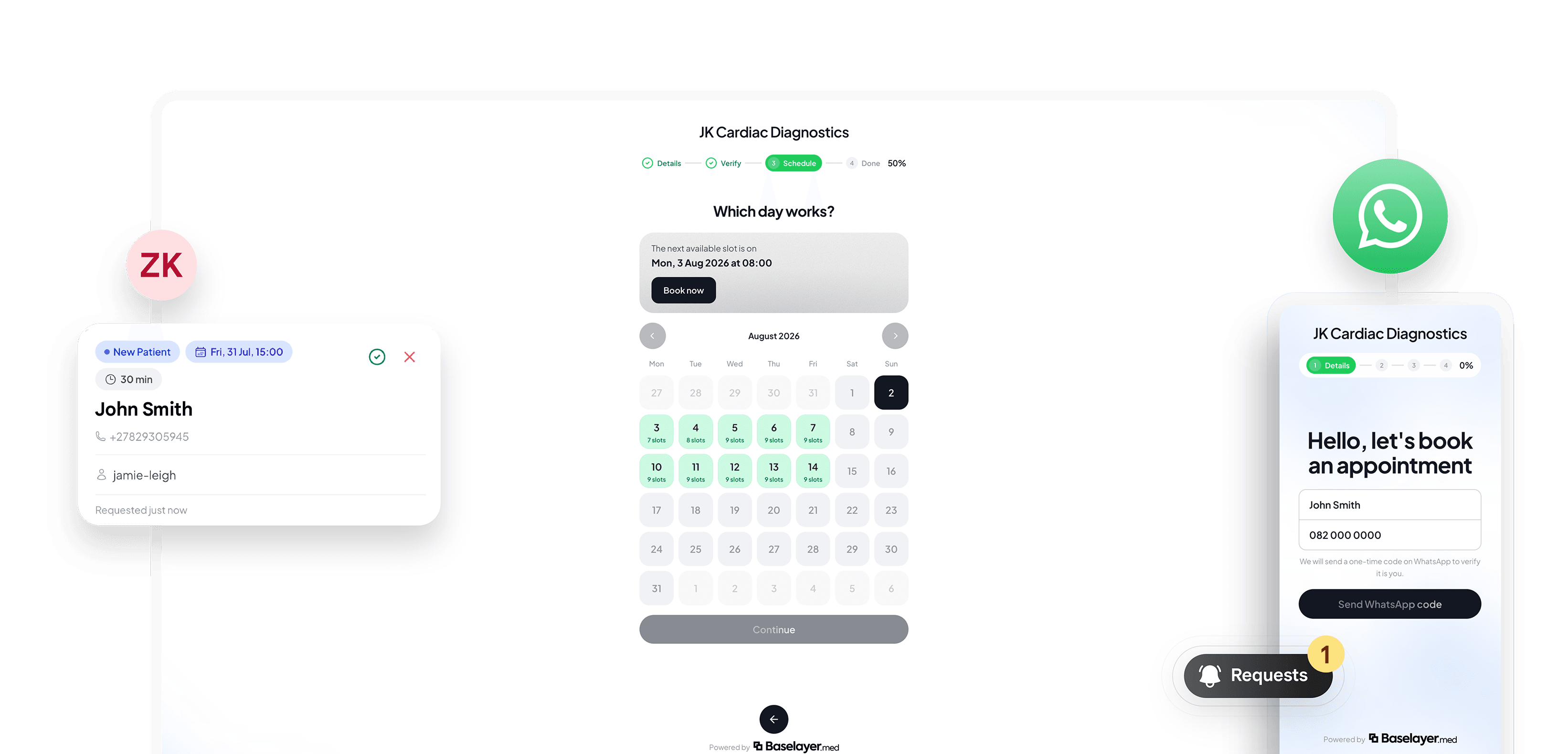
Share a public booking link. Patients verify on WhatsApp, pick an open slot, and your team approves before anything lands in the diary. Off by default. Turn it on when you are ready.
One link.
Your practice brand.
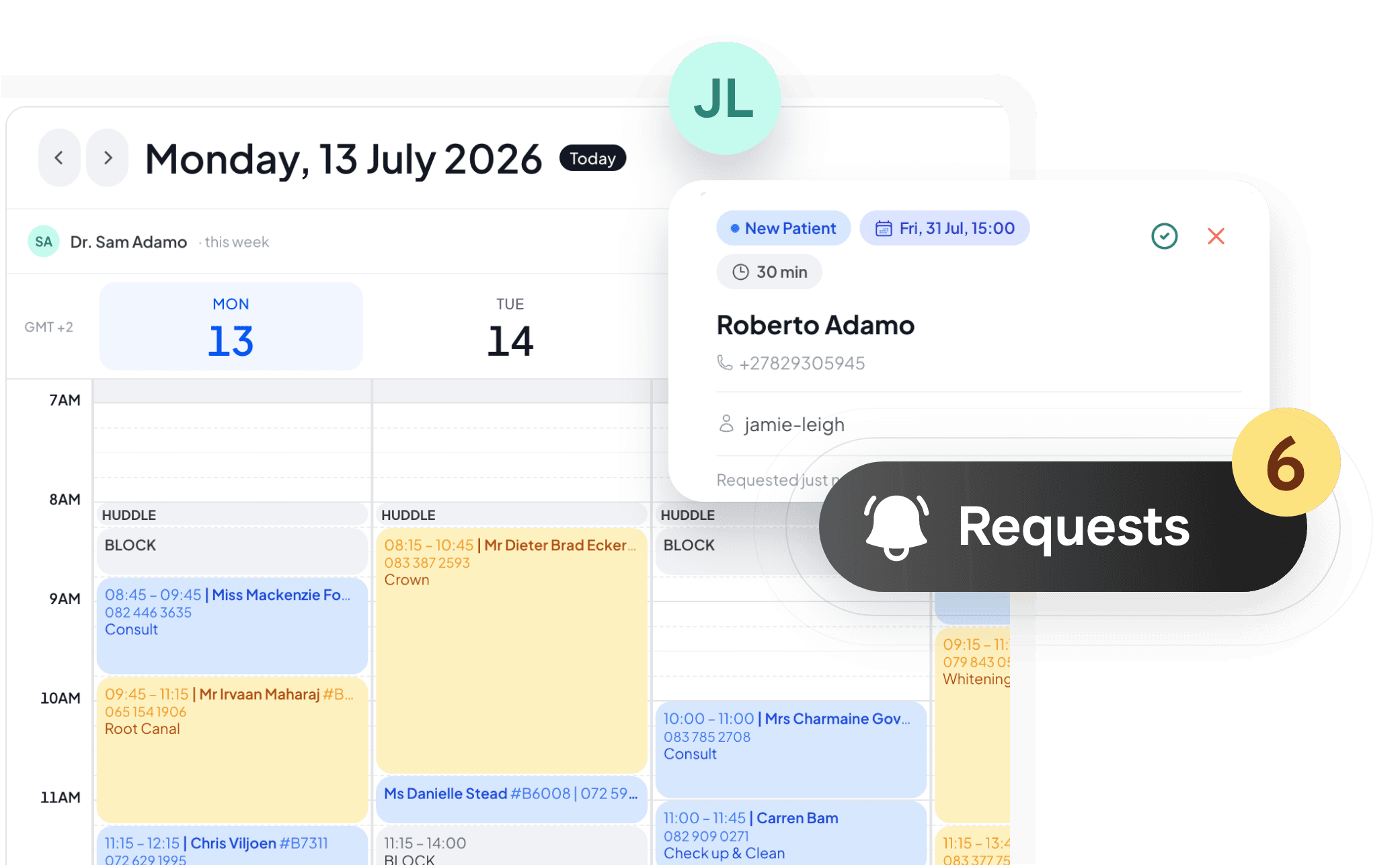
Patients open your /book page, verify with a WhatsApp code, choose a type and time, and send a request. Soft practice hours and busy slots keep the diary honest.
Approve in the book.
Deny in one tap.
Pending requests appear in Appointment Book → Requests and as soft holds on the diary. Approve to create the appointment and notify the patient; deny frees the slot.
You stay in control
Nothing is confirmed until staff approve. Patients get a clear WhatsApp update either way.
Holds protect the slot
Pending requests reserve diary time so two patients cannot request the same open window.
Opt in when ready
Online Bookings is off by default. Enable the link, hours, and bookable types in Settings when your practice is ready.
Explore more solutions
Every feature works together as part of one connected platform.