
Posterior · sagittal
Two columns, one chart
Pick vertebra
C2 · T6 · L4…
Fixation · spasm
Tenderness & tone
0–10 scale
Logged per level
Technique used
Diversified & more
Colour visits
Repeat levels glow
Filed to patient
Draft or finalized
Every level, every visit, charted.
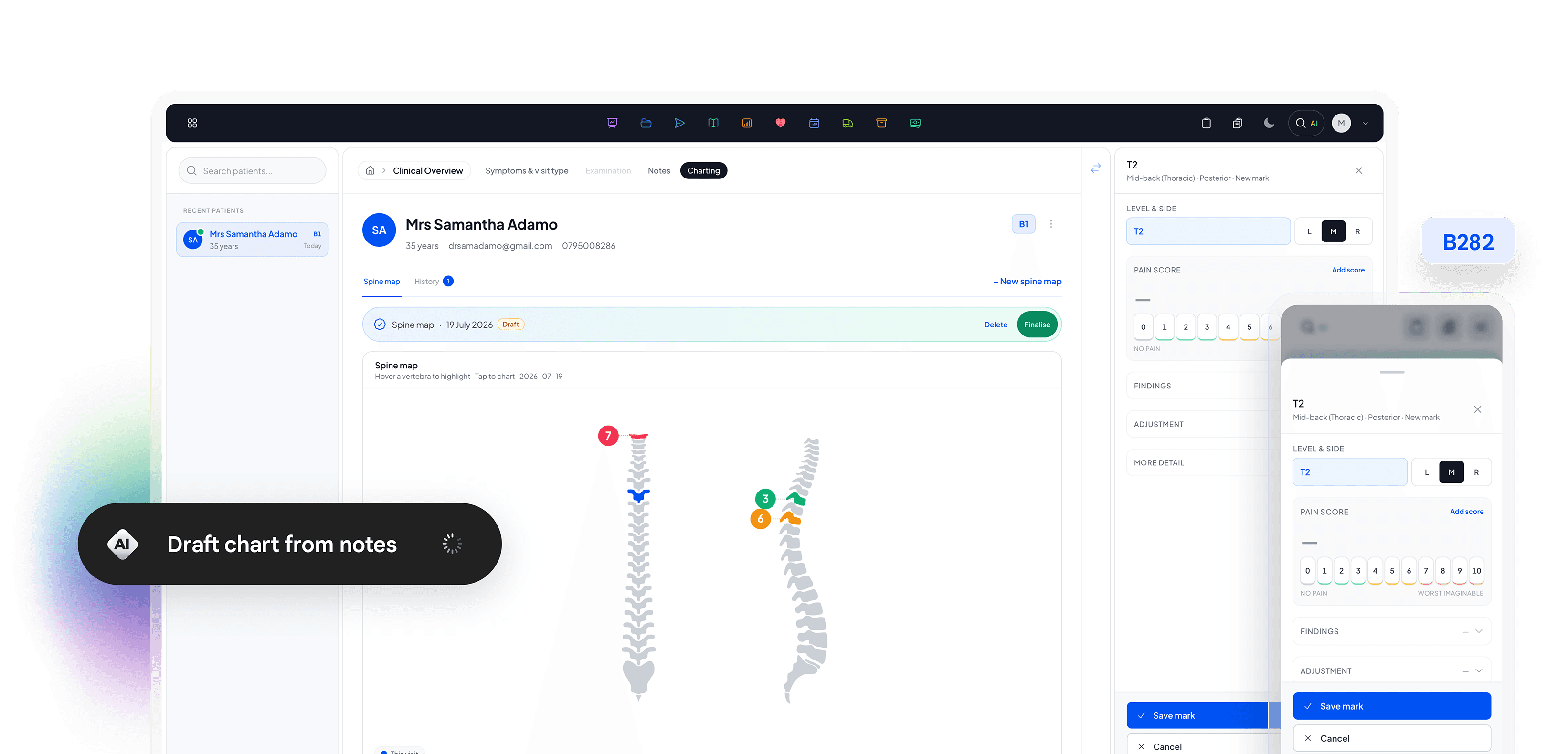
An interactive spine chart built for chiropractors. Tap a vertebra on the posterior or sagittal view, log pain and findings, record the adjustment technique, and see prior visits in colour so repeat levels stand out instantly.
Tap a vertebra.
Chart the level.
Work from a dual-column posterior and sagittal overview. Each level opens a mark editor so charting stays fast chairside without leaving the diagram.
Findings. Pain. Technique.
Each vertebra mark captures pain score, clinical findings (fixation, spasm, tenderness, hypertonicity), whether an adjustment was performed, and the technique used. Everything you need for the visit note without leaving the chart.

Pain 0–10
Log pain per vertebra on a 0 to 10 scale that colour-codes severity.

Clinical findings
Capture fixation, spasm, tenderness, and hypertonicity on the mark.
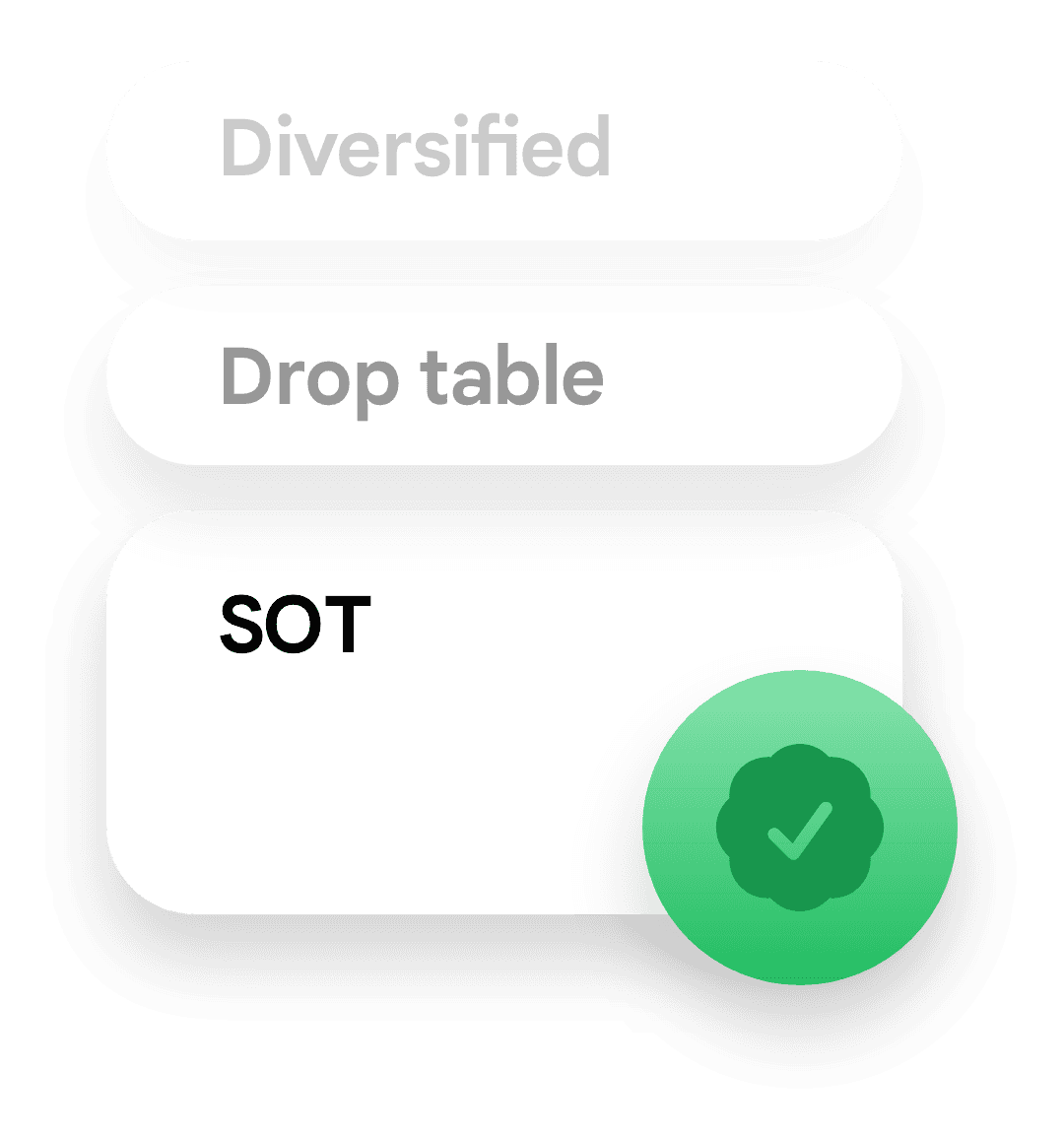
Adjustment technique
Record Diversified, Gonstead, Activator, SOT, and more per level.
Colour-coded
across the care plan.
Prior spine maps keep their colour on the chart so you see which levels were adjusted before and how findings change visit to visit. Draft charts stay editable; finalised charts lock to the treating practitioner.

Multi-visit colours
Prior spine maps keep their colour so repeat levels stand out instantly.

Draft → Finalized
Work in draft, then finalise to lock the record.

Filed to the record
Finalised charts file straight to the patient record.
Explore more solutions
Every feature works together as part of one connected platform.